Empty 3D
The standard 3D renderer and one empty level with a Player Start. Choose your own pawn in Project Settings.

Nucleon Engine starts a project from a template: a working level, a pawn and the settings for that kind of game. There are templates for 3D and 2D, and a complete sample game that the manual walks through step by step.
The standard 3D renderer and one empty level with a Player Start. Choose your own pawn in Project Settings.
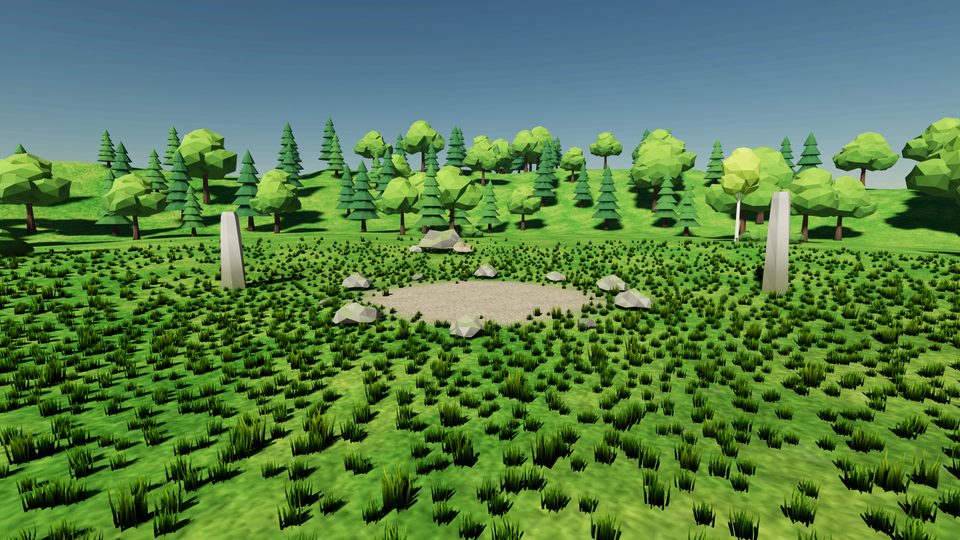
A ready outdoor base: a landscape of rolling hills with painted ground layers and grass, a gravel pad ringed with stones, clumps of oaks, birches and pines, and a forest of instanced trees on the far hills. One sun and a Player Start; no character and no game rules.
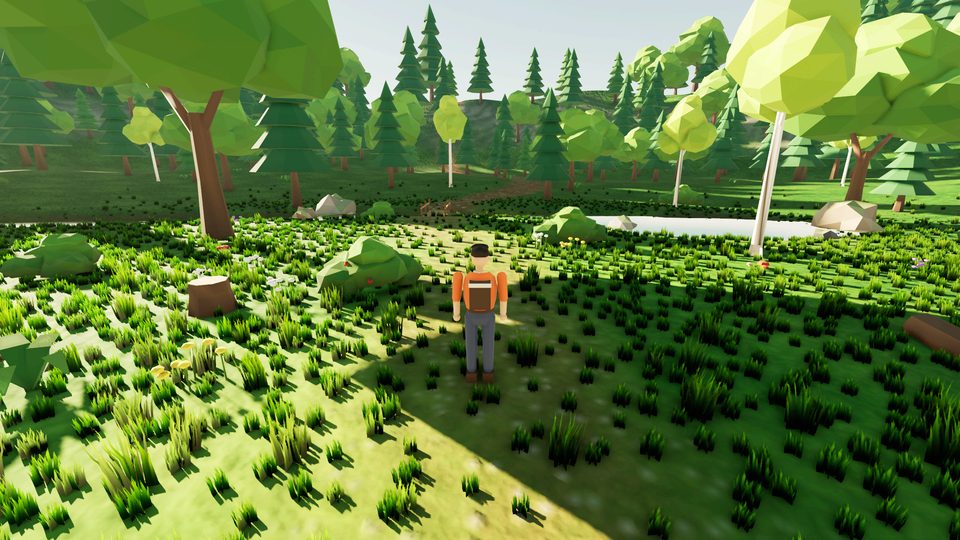
A playable level with an animated character you can run and jump with, the camera following behind, ready to extend.
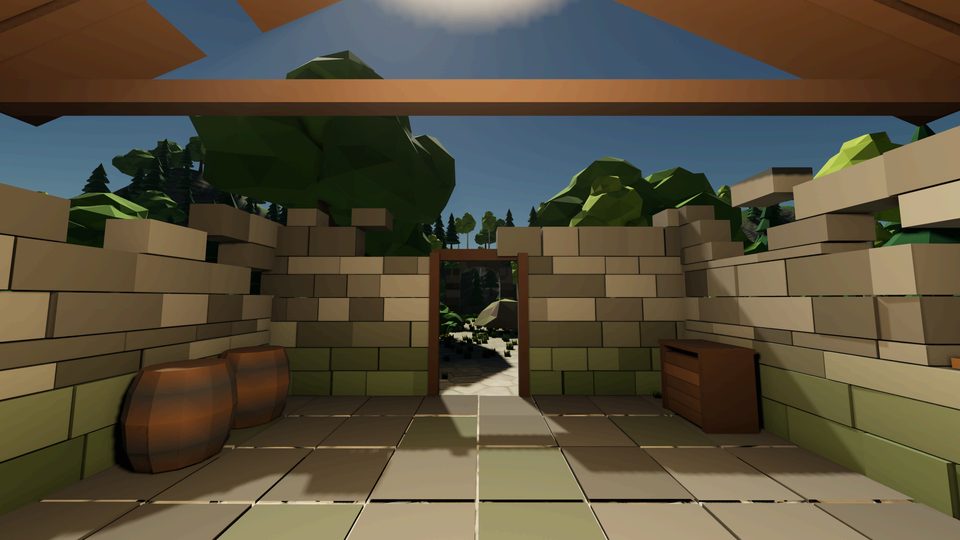
Eye-height camera, mouse look and physics movement: the start of a shooter or an exploration game.
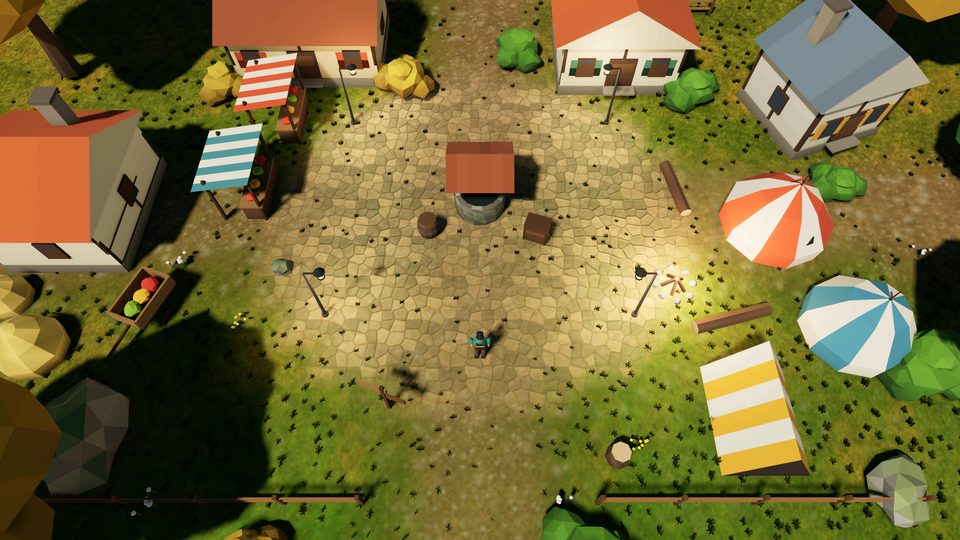
A fixed camera above the level and a character that walks where the keys point: the start of a strategy, twin-stick or action RPG game.
One empty level and a Camera 2D. The 2D render path is on, so the editor opens in its 2D layout.
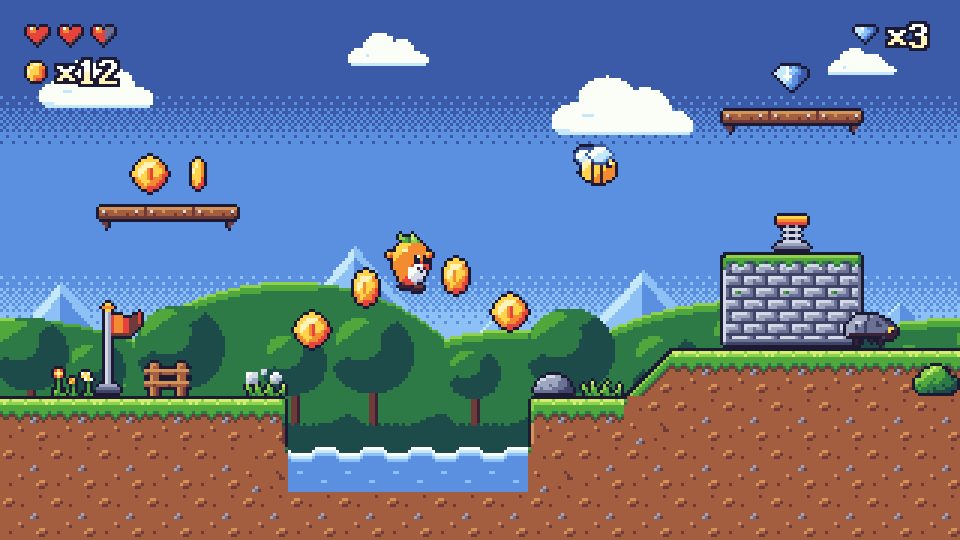
A complete small game: a hero who runs and jumps through two levels built from a tile set, with enemies, coins and gems, a spring, a moving platform, checkpoints, a goal door, title and pause screens, sounds and a HUD.
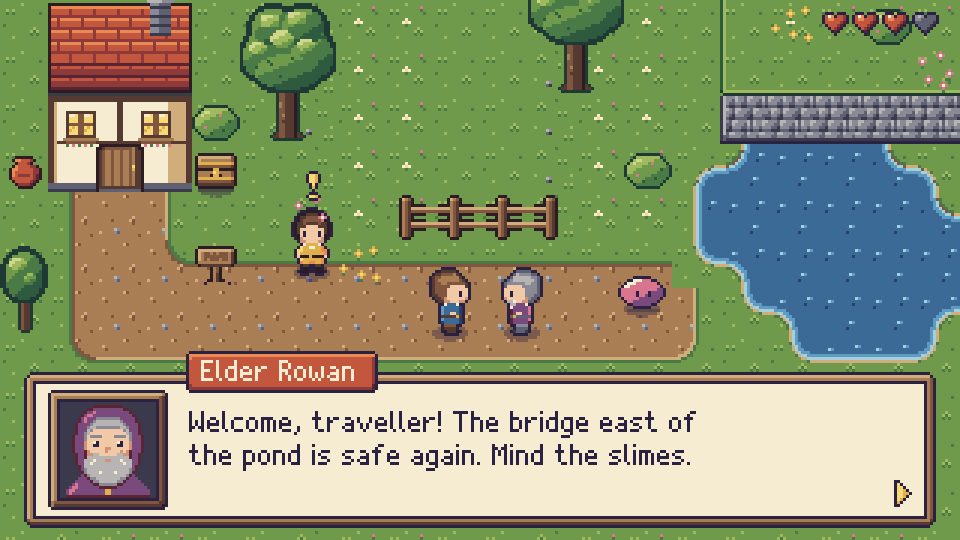
A village with a pond, a house you can enter, two villagers who talk, a signpost, a chest with a key, a slime, hearts, a three-slot inventory, and save and load.
Every script in the 2D templates is commented to explain the engine calls it uses, so a template is also a tutorial.
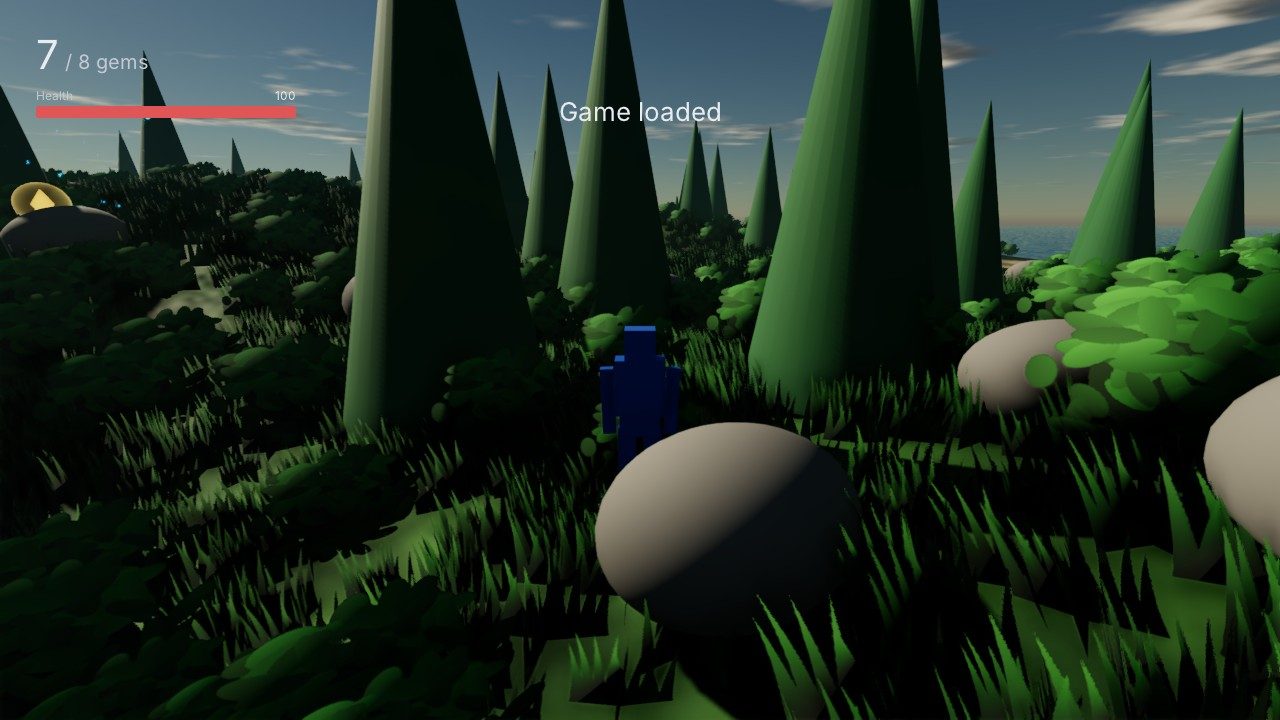
Run around an island, collect eight gems, avoid the guard that patrols and chases you, pause, change the volume and graphics quality, save and load. It has a landscape with four PBR layers, grass, bushes, pines and rocks, water and a physical sky, a skinned hero with an animation graph, a pickup made of ready components with no code, a behavior-tree enemy, a game UI written in HTML and CSS, an intro cinematic, material assets and a material graph.
The manual follows this game from an empty project to a packaged executable.
Open Nucleon Editor, choose New project, pick a template and a folder. Your project is a plain folder: a project file, Content/, and settings, ready for git.