
Gameplay systems: physics, animation, audio, navigation and multiplayer
Nucleon Engine includes the systems a game needs once the level is built: 3D physics on Jolt, skeletal animation, 3D audio, navigation meshes and behavior trees, input actions, save games, an HTML game UI, and server-authoritative multiplayer (in testing). They share one scripting layer, so you wire them together in Lua.
Physics
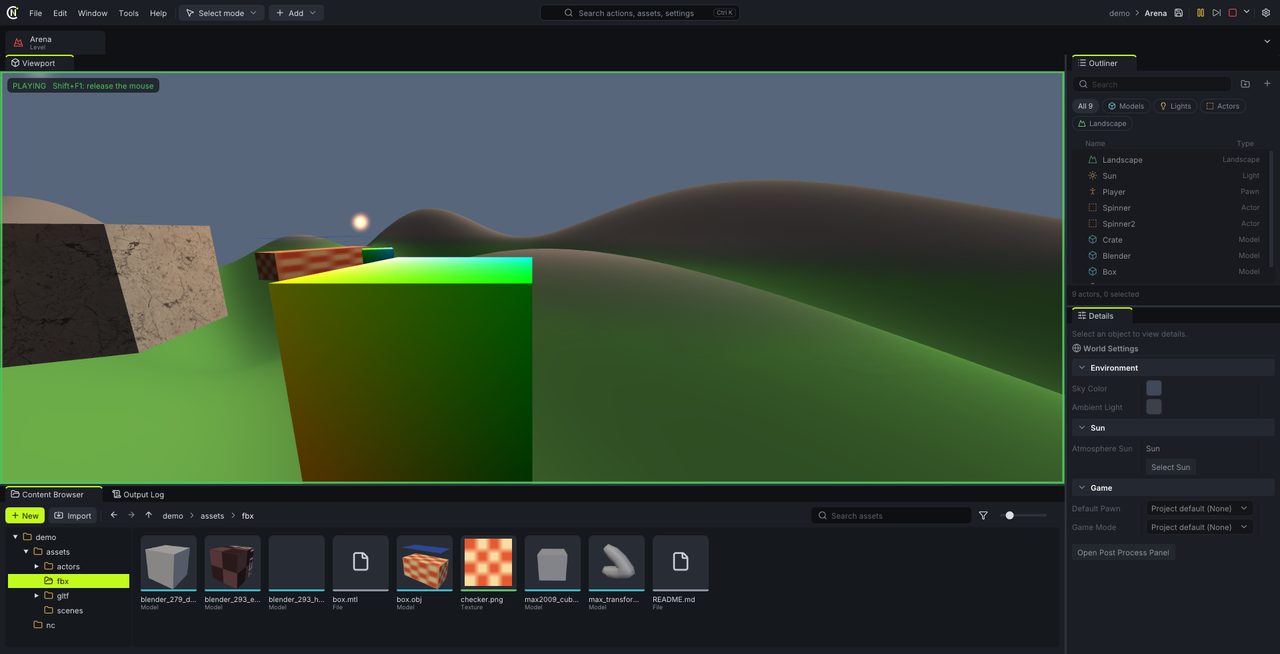
3D physics runs on Jolt: rigid bodies, triggers, rays, shape casts and overlaps, physical materials and a character controller. Collision shapes are authored in the editor Details panel with wire shapes and gizmos, and debug views draw bodies, contacts and queries. Joints, vehicles, ragdolls and fracture are in the engine as well.
Animation
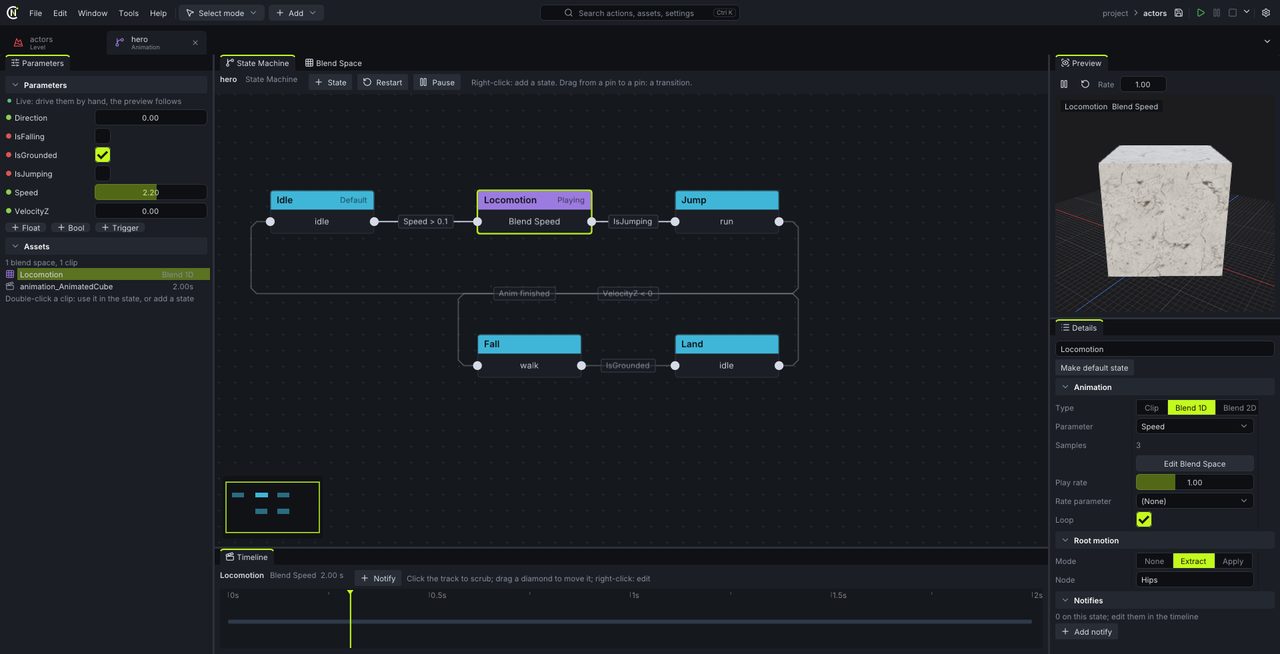
Skeletal animation with an animation graph editor, blending, montages with notifies, inverse kinematics, foot IK and foot locking, retargeting between skeletons, morph targets, sockets, and GPU skinning with up to eight influences per vertex.
Audio
3D audio built on OpenAL Soft: buses, reverb, HRTF, attenuation models, streamed music, and Audio Emitter and Audio Volume actors you place in the level, with a live preview in the editor. Steam Audio can be used for acoustics when its SDK is present.
Input
Actions that a game polls or subscribes to, fed by keyboard, mouse, gamepads and touch screens, with rebinding and device glyphs. Menus navigate with a gamepad.
Game framework and saves
Game mode, default pawn and Player Start, set in Project Settings. Save games write slots per user. Localization and a game console are built in.
Game UI
HUDs and menus are web pages (HTML, CSS and JavaScript) over the game, with a message bridge to Lua.
Ready-made kits
Optional, editable gameplay kits written in Lua are in testing.
Multiplayer and servers
A server-authoritative multiplayer layer and a dedicated headless server are in testing.
Cinematics
Sequencer assets play in the game and in Play In Editor, with camera rigs and shakes.