
Nucleon Editor: level, material, animation and landscape tools
Nucleon Editor is the workspace of Nucleon Engine. Level, actor, material, animation, UI and cinematic editors open as documents in one docked workspace, next to landscape, foliage and modeling modes, a profiler, and Play In Editor. It is built in-house together with the engine, so what you see in the editor is what the game runs.
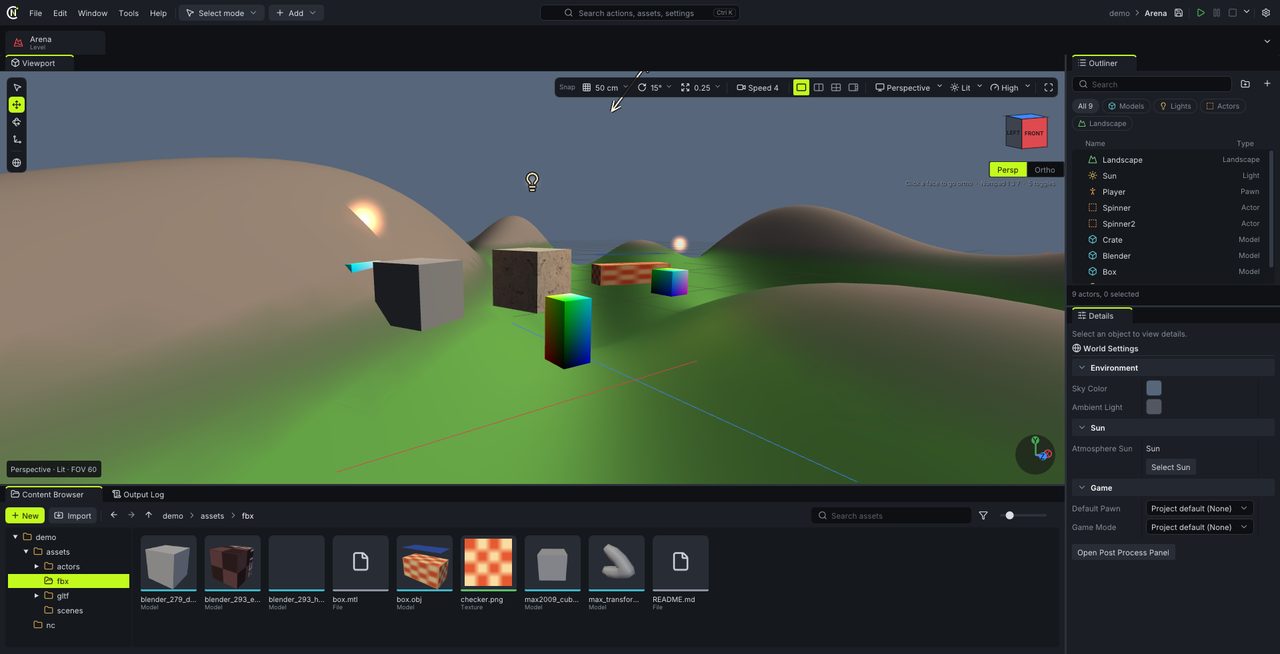
Build levels
Place and edit actors in the level viewport with gizmos, grids and snapping. The Outliner lists the level, the Details panel shows the components of the selected object with an Add Component menu, and the Content Browser holds your assets. Actors (.ncactor) are reusable prefabs with per-instance overrides, nested prefabs and variants. Layouts are docked panels that are saved per document. The editor shows Z-up metres.
One editor per asset type
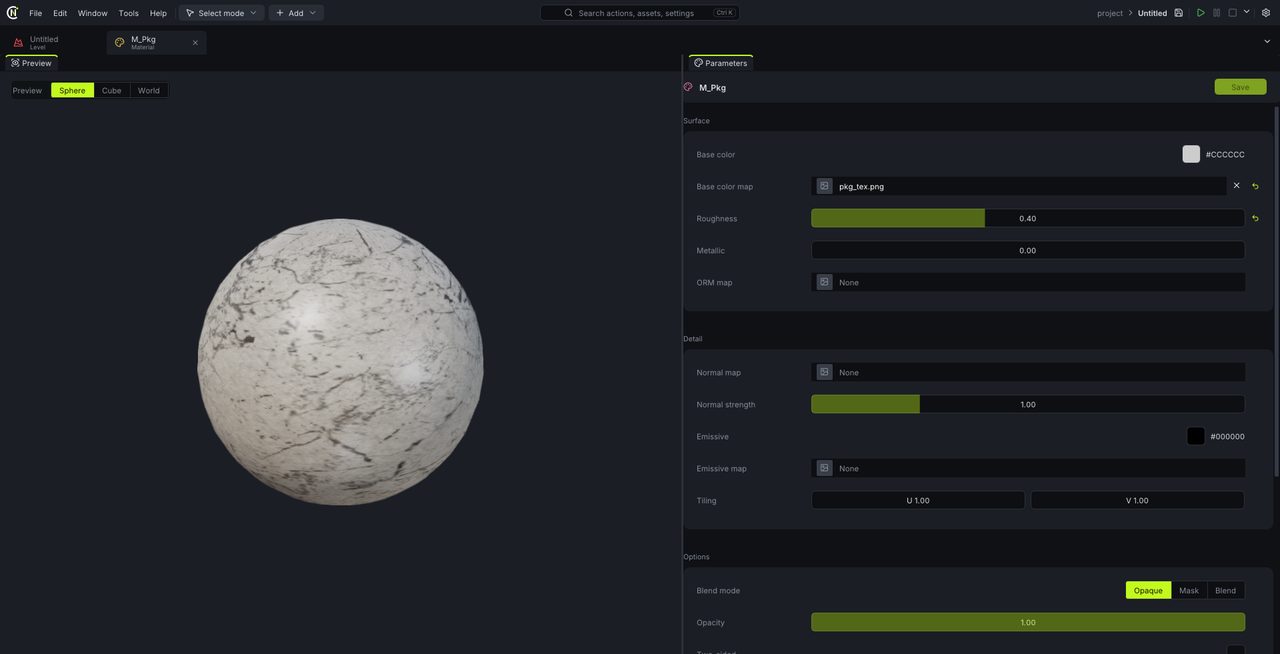
- Material editor with a node graph and live preview.
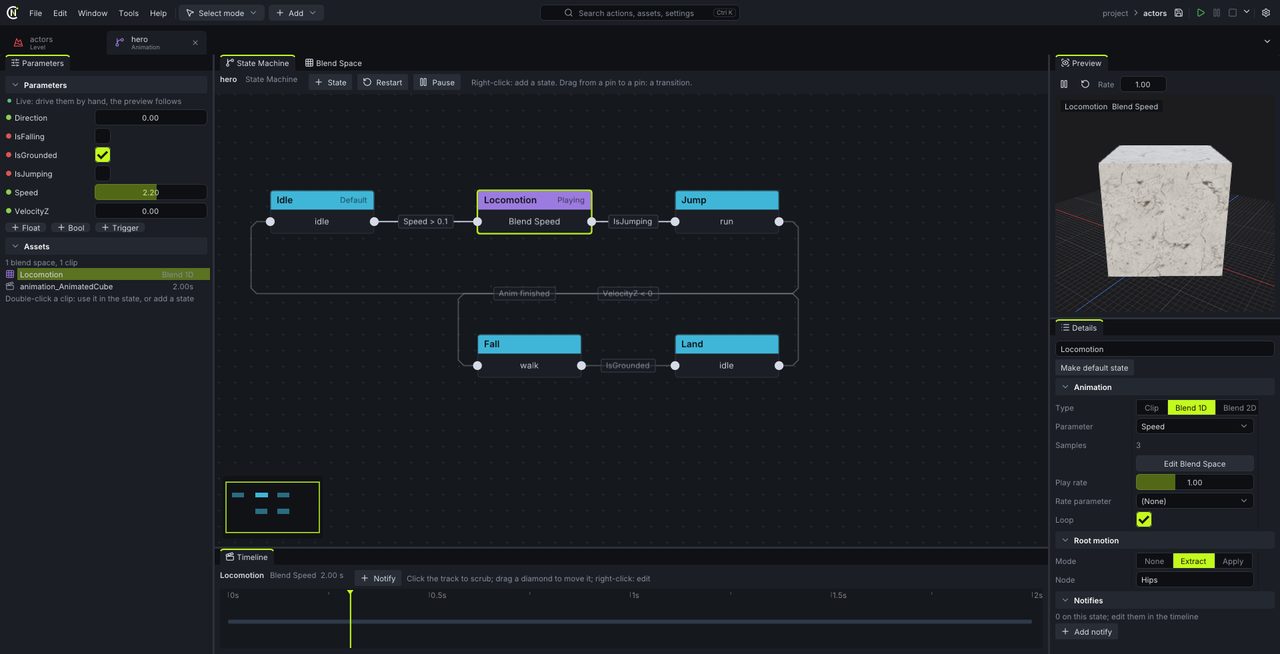
- Animation editor for animation graphs, montages and rig assets.
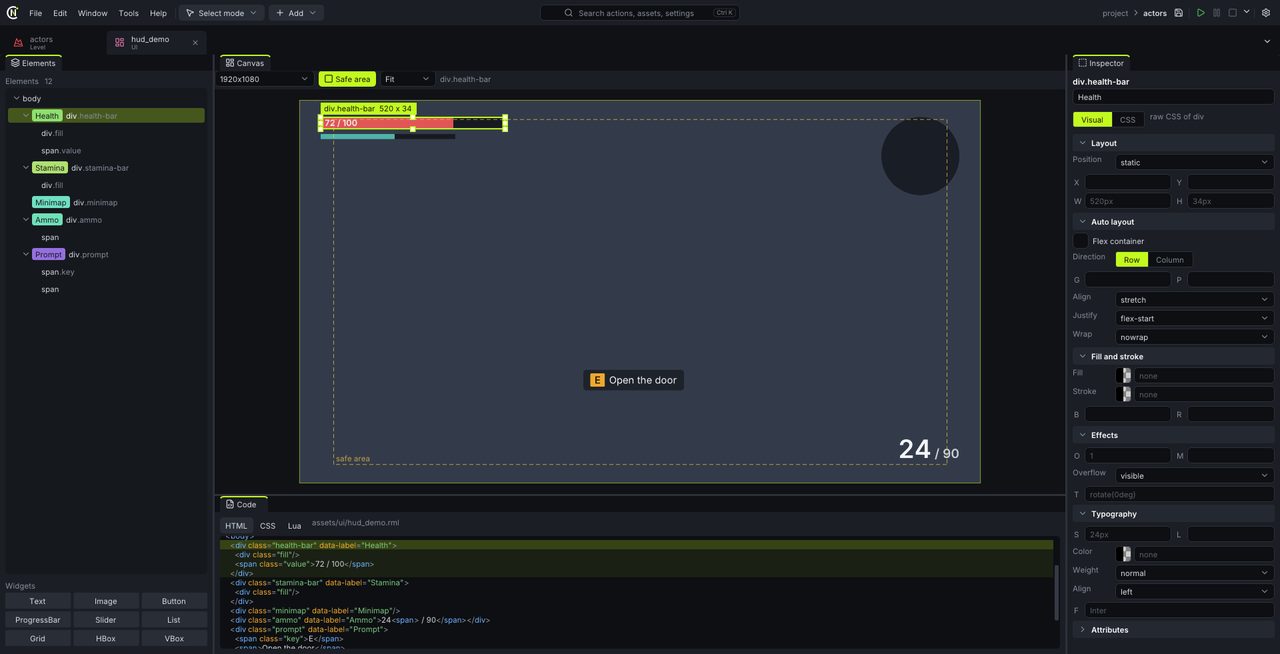
- UI editor for game screens written in HTML and CSS.
- FX graph for particle and effect assets.
- Curve and table editors for data, with CSV import.
- Data assets: typed game data you edit in the Content Browser.
Landscape, foliage and modeling
The Landscape panel sculpts, paints layers, erodes, lays splines and paints foliage. Modeling mode (Shift+3) edits meshes and opens a UV editor. Interior Room Shapes block out rooms by drawing a floor and raising walls.
Sequencer
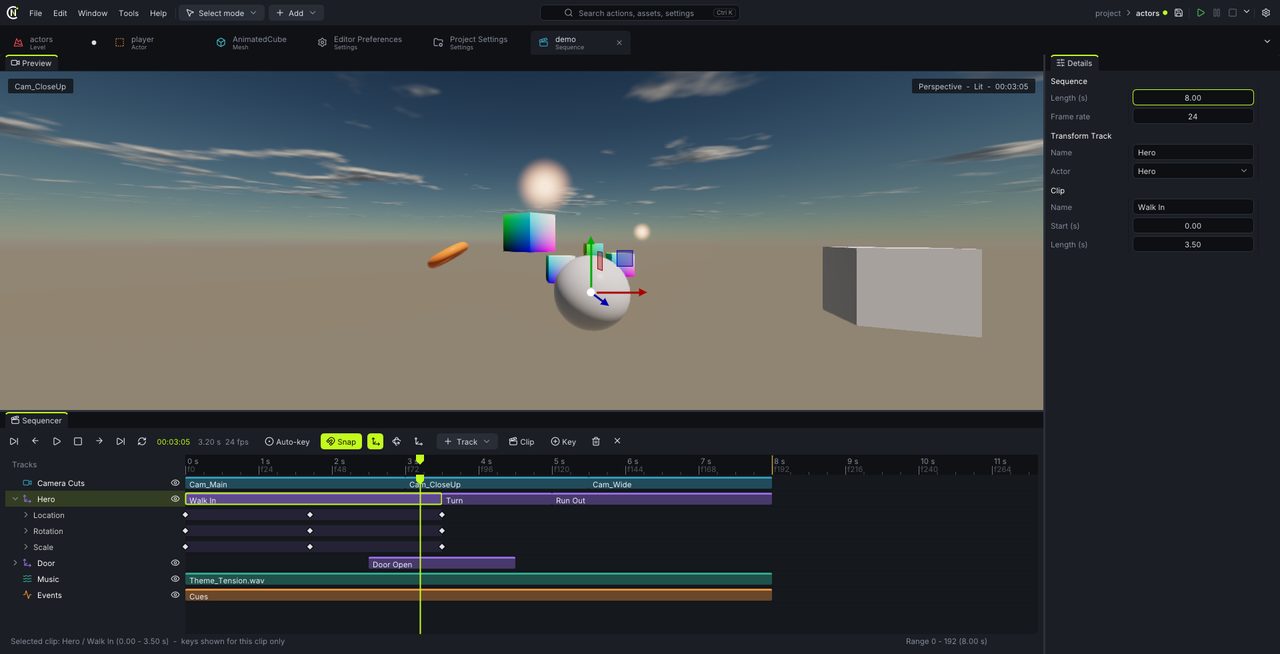
The Sequencer makes cinematics as assets: tracks, clips and keys, played by the runtime in Lua or in Play In Editor. The Movie Render Queue renders a sequence offline to image files, including EXR.
Test and profile
- Play In Editor runs the game in the editor, with several players, Play From Here, and an eject camera to select and change objects while it runs.
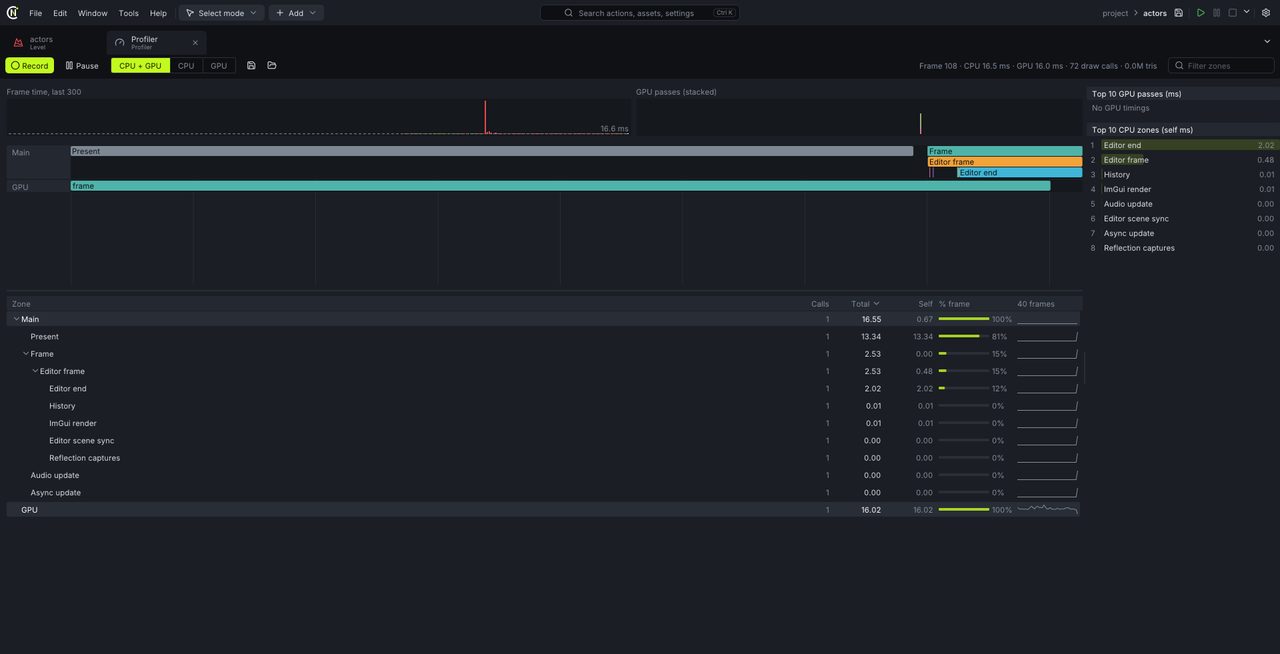
- Profiler captures a frame and shows CPU next to GPU. Feature Toggles (F9) switch rendering features on and off and show the frame time, so you can see what each one costs.
- Run Benchmark repeats a route with a warm-up and writes the machine next to the numbers.
- Map Check validates a level; Project Health shows what uses what, and what is unused; the Performance Advisor lists what is expensive in a level and offers a fix.
- Debug views for physics, world streaming and gameplay.
Teams
Git source control is built in: initialize a repository at project creation, see changes, commit and push from the editor. A multi-user mode, for several people editing one project, is in testing.
Import and package
Import glTF, GLB, FBX and OBJ models, PNG, JPG, TGA, BMP and DDS textures, WAV and OGG sounds, and Aseprite files for sprites. A cook step compresses textures and builds meshes, and the packager writes encrypted archives for Windows or Linux. Everything also runs from the command line, which suits build servers.
Localization
A localization panel edits string tables with plural forms and per-culture number, currency and date formats, and the game’s web pages follow the language switch.
Make it yours
Components are defined by their own files: add one without editing the engine. Lua modules ship with the engine and update with it. Project files are plain text.